Macmillan Resources
Instructors
Macmillan Learning offers integration between its tools such as Achieve or Sapling and Moodle. This robust integration creates direct links from your Moodle course into the Macmillan environment.
Students
In order to have the proper assignments and grading for this course you must use the link to the respective Macmillan tool (Achieve or Sapling) within your Moodle course. If you purchase/access the course material any other way you will not be able to integrate your homework and grading within the course.
Please use the instructions below to access Macmillan from a course that you have been granted access to within Moodle.
Access Macmillan Products (Achieve or Sapling)
- Click on the course from the Moodle dashboard.
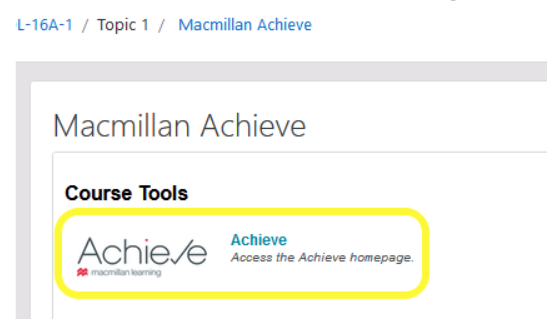
- Select the Macmillan tool activity (Achieve or Sapling).

- Click on the respective tool.
Support
Need help? Macmillan's technical support team can be reached by phone, chat, or by email here: https://www.macmillanlearning.com/college/us/contact-us